
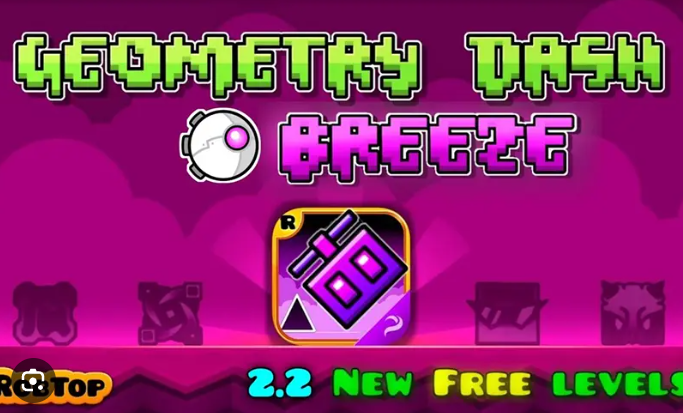




Geometry Dash Breeze
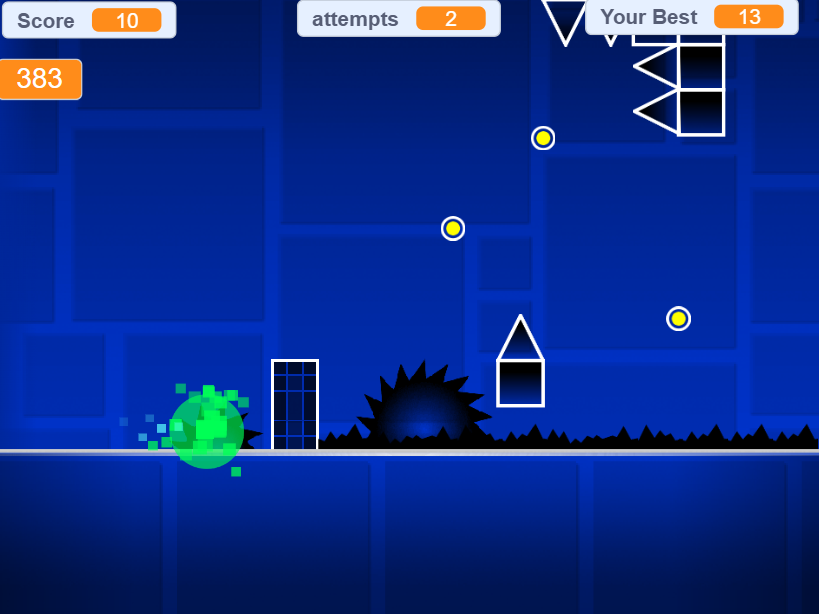
Explore10 fan-made levels from Easy to Demon difficulty. Three creators bring distinct design styles.40+ secret coins, progressive challenge curve, practice mode included.
Category
Rhythm Platformer
Rating
4.8 / 5
Votes
1816
What to expect
A Geometry Dash Breeze guide for understanding the fan-made structure, navigating the 3-to-10-star difficulty spread, using Practice mode effectively, and deciding if this pack suits your skill level.
What Is Geometry Dash Breeze?
Geometry Dash Breeze is a fan-made collection of ten original levels created by three Geometry Dash players: Andrexel, ItzZyann, and Eplecentraa. It’s not an official RobTop release, which means you’re playing community-designed stages that follow the original game’s rhythm-platforming structure but don’t carry the polish or balance testing of the main game.
The pack spans 3-star Normal difficulty (Over The Cloud) up to 10-star Demon difficulty (Peer Gynt), which gives you a wider skill range than most official level sets. If you’re comfortable with medium-difficulty Geometry Dash levels and want more content without jumping straight into user-created chaos, this pack slots into that gap.
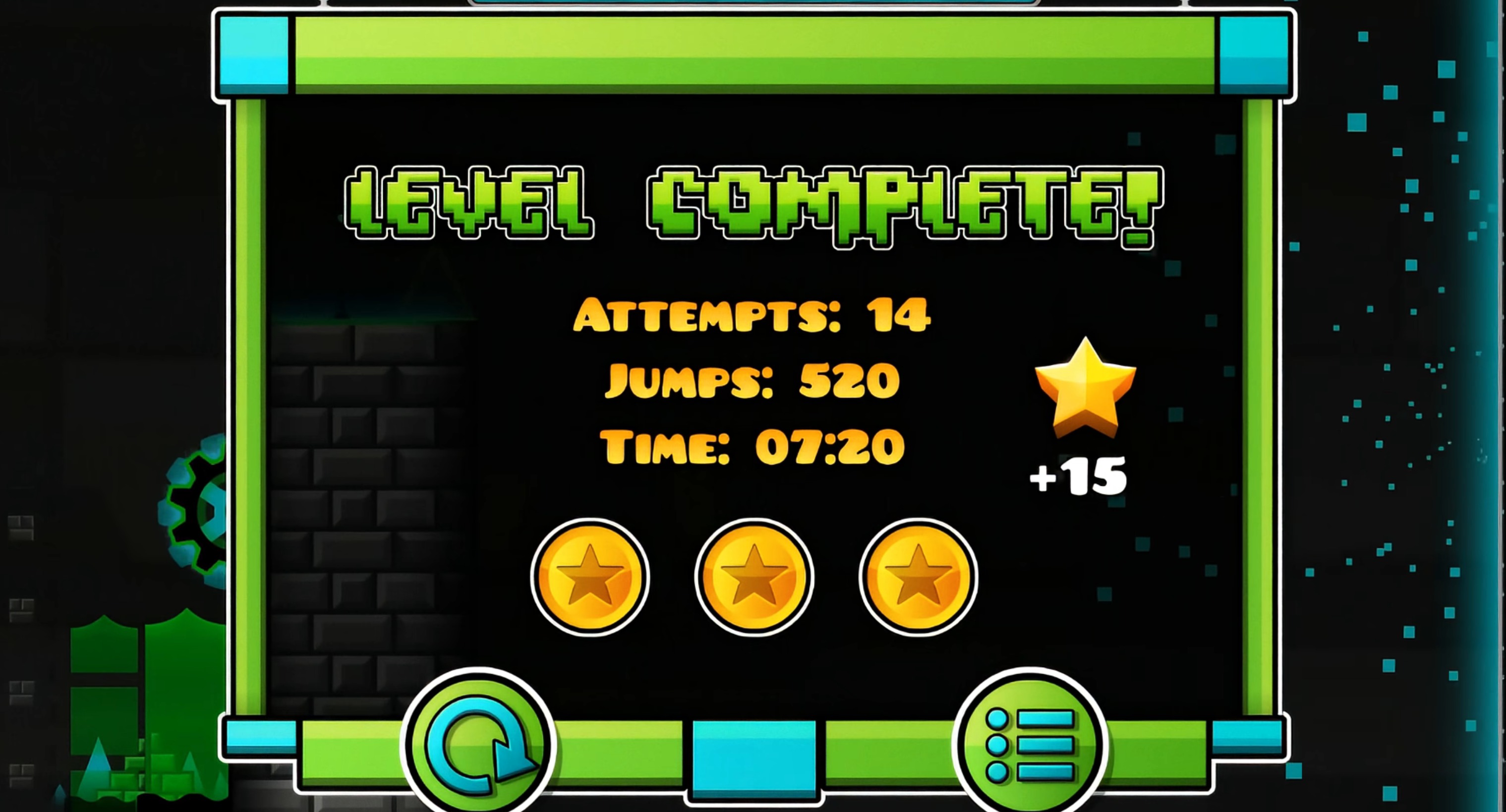
Each level includes three secret coins hidden off the main path, plus smaller collectible coins scattered throughout. The secret coins don’t unlock anything—they’re completionist goals for players who want to explore beyond just clearing the stage. Some require precise jumps or detours that add risk to otherwise safe sections.
How to Play Geometry Dash Breeze
Choose Your Level
- Start by selecting one of the 10 available levels in Geometry Dash Breeze.
- Each level has a different difficulty rating, from 3star Normal to 10star Demon.
- Beginners should start with Over The Cloud, while experienced players can tackle Peer Gynt.
Master the Controls
- Use Spacebar or Left Mouse Button to make your character jump.
- Hold for continuous jumping.
- Press Up Arrow for higher jumps.
- Quickly doubletap Space for double jump.
- Use the mouse to navigate menus and select options in Geometry Dash Breeze.
Beat the Rhythm
- Time your jumps to match the beat of the music.
- Avoid all obstacles to reach the end of each level.
- Collect small coins and secret large coins scattered throughout.
- In Practice mode, place unlimited checkpoints to help you progress through difficult sections.
Why the Difficulty Spread Matters
The 3-to-10-star range means early levels (Over The Cloud, Into The Zone) teach you the pack’s rhythm and timing expectations before the later stages (Skittles, Bitsplosion, Hydra) introduce tighter windows and more aggressive obstacle patterns. That progression works if you play the levels in order, but if you skip ahead to Peer Gynt without building up through the middle tiers, you’ll hit a wall fast.
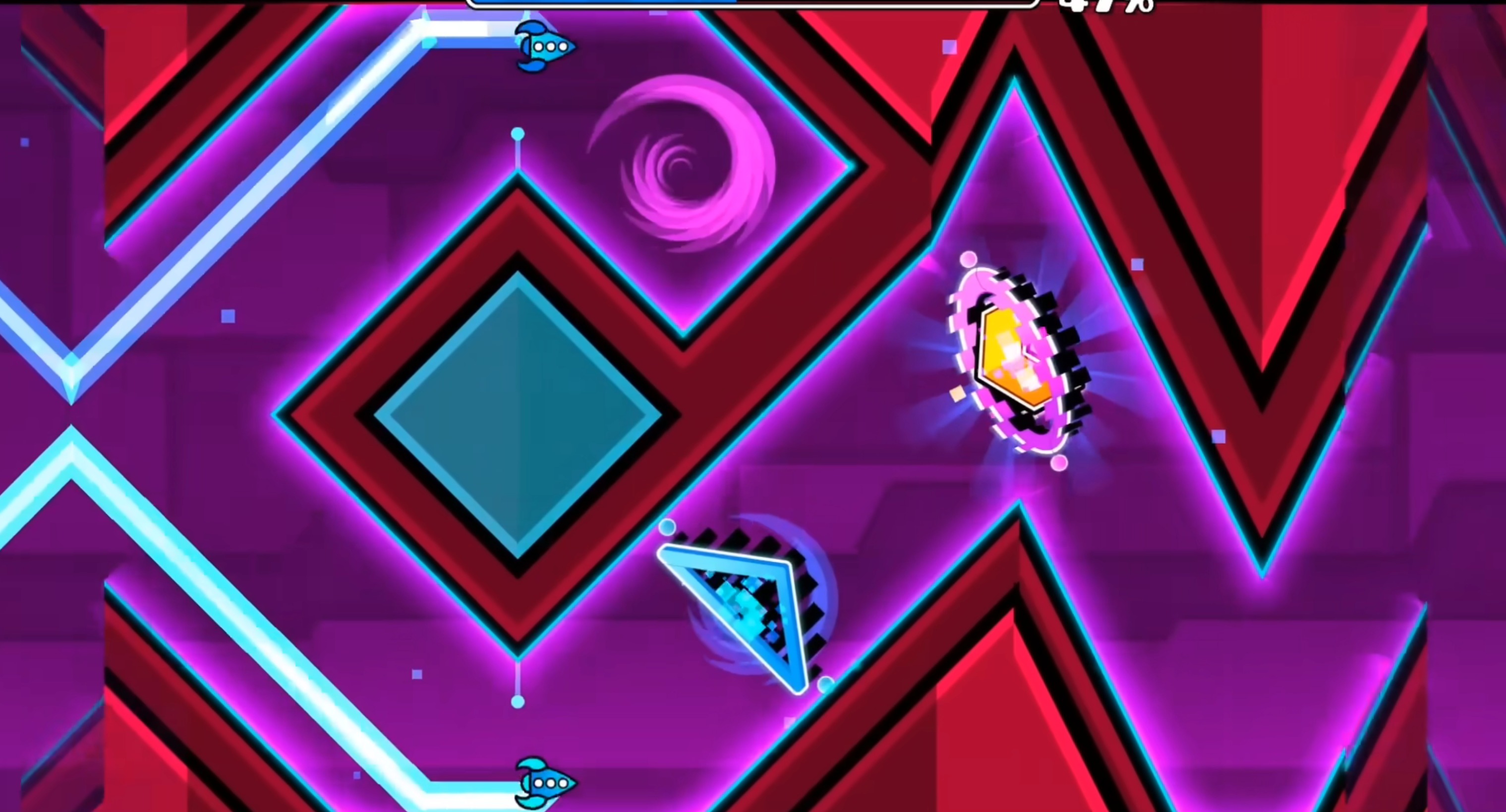
The difficulty curve isn’t perfectly smooth. Ghost Ship and Cloud Buster both sit at “Harder” (6-7 stars), but their timing demands feel different—Ghost Ship leans on ship-mode flight control, while Cloud Buster tests cube-mode jump precision. If you struggle with one but breze through the other, that’s normal. The creators’ individual styles show through in their level designs, which means the pack doesn’t feel like a single unified difficulty ladder.
Demon-tier Peer Gynt is a significant step up from the Insane levels. If you’ve never cleared a Demon in the main game, this one won’t be a gentle introduction. It assumes you’re already comfortable with frame-perfect inputs and can read fast-scrolling patterns without panicking.
What Practice Mode Actually Does Here
Practice mode lets you place unlimited checkpoints, which transforms how you approach each level. Instead of grinding the same first30% repeatedly to reach the hard part, you can checkpoint past the easy sections and focus on the specific segment that’s killing your runs.
The tradeoff is that Practice mode doesn’t count as a clear. You’re not earning progress toward anything except your own skill development. Some players use it to scout entire levels before attempting a Normal-mode run. Others use it only when stuck on a specific section. Neither approach is wrong, but if you spend too long in Practice mode, you might never build the endurance needed to string together a full clear.
The checkpoints also change your risk calculation. In Normal mode, you’re conserving lives and playing cautiously because one mistake near the end costs entire run. In Practice mode, you can experiment with risky routes and aggressive timing because failure just sends you back to the last checkpoint. That freedom helps you learn faster, but it can also teach bad habits that don’t transfer to Normal mode.
Who Geometry Dash Breeze Works For
Geometry Dash Breeze suits players who’ve already cleared the main game’s medium-difficulty levels and want more content in that same style. The fan-made nature means some levels feel slightly rougher than official stages—transitions between sections can be abrupt, and a few obstacle placements feel like they’re testing reflexes more than rhythm sense—but the overall quality is solid.
It’s less suited to beginers who haven’t mastered basic Geometry Dash mechanics. The early levels assume you already know how ship mode handles differently from cube mode, and they don’t spend time teaching fundamentals. If you’re still learning what a double-jump feels like or how gravity portals work, the official game’s introductory levels will serve you better.
The secret coins add replay value if you’re the type of player who enjoys hunting for hidden paths. If you only care about clearing levels and moving on, the coins won’t matter to you. They’re optional challenges, not gates blocking progress.
For another fan-made Geometry Dash experience with a different structural focus, try a related level pack that adjusts the formula in its own direction.
Share your tips for Geometry Dash Breeze
Share a useful tip, a favourite route, or a correction that can help the next player.
Comments are not collected on this independent fan site.
To report a broken game frame or suggest a guide correction, email [email protected] with the page URL.