

FamiDash
Experience Geometry Dash with authentic NES graphics and chiptune audio. Auto-scroll forces split-second timing across 8 retro levels. Pure reflex challenge with no rewind.
Category
Rhythm Platformer
Rating
4.7 / 5
Votes
977
What to expect
A FamiDash guide for reading rhythm cues, handling form switches, using Practice mode effectively, and understanding why the difficulty is part of the design.
What FamiDash Is
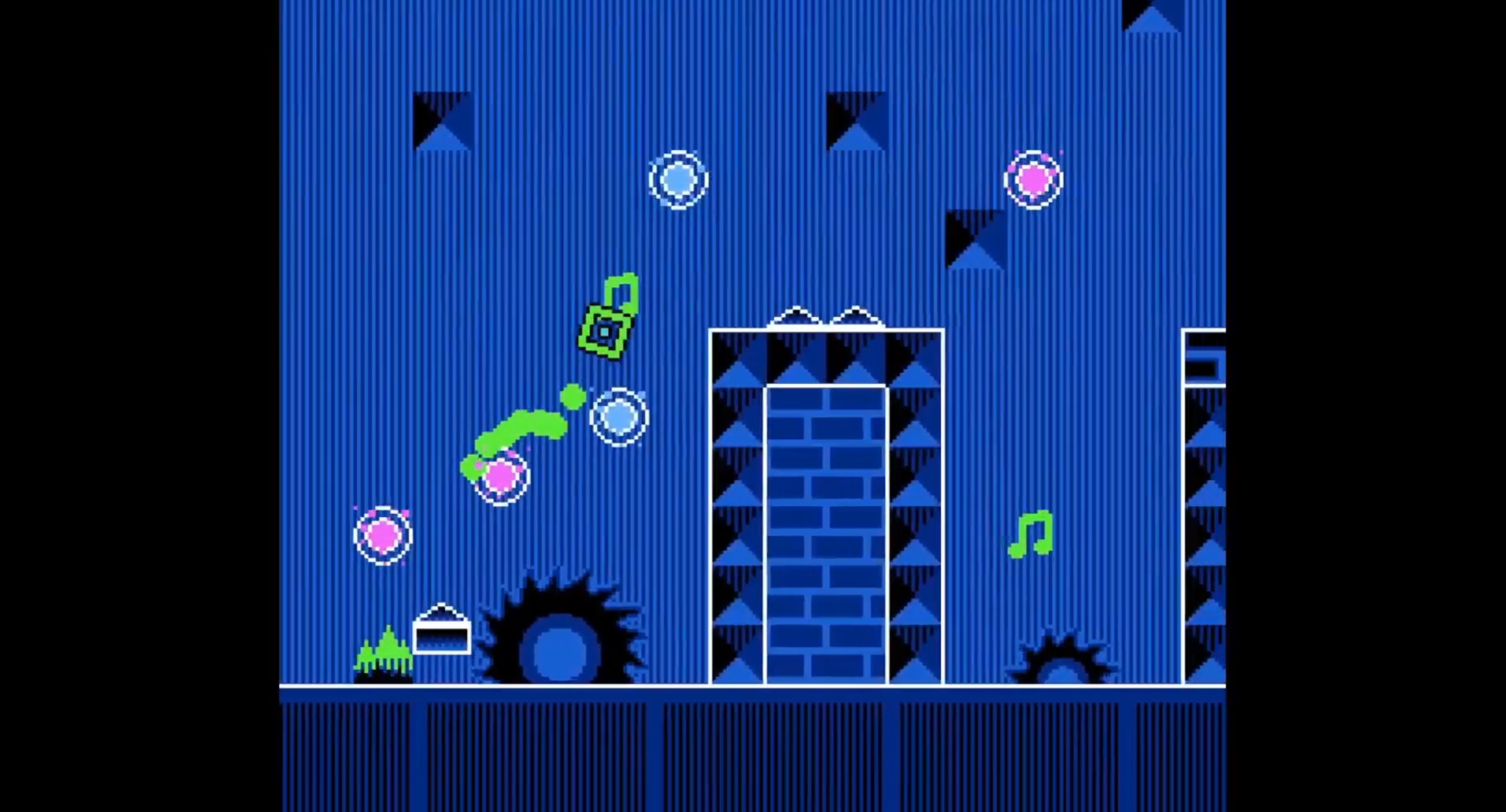
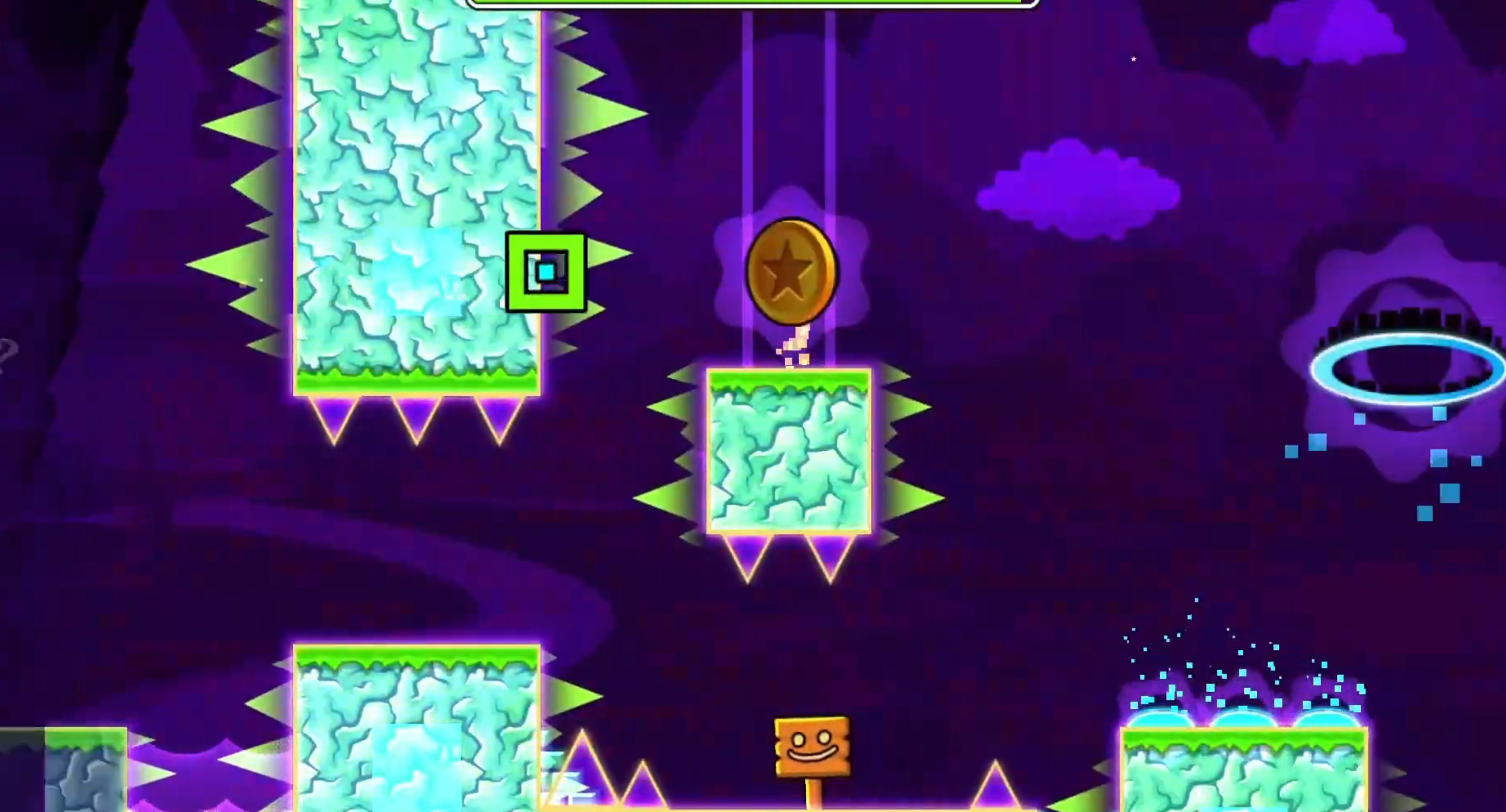
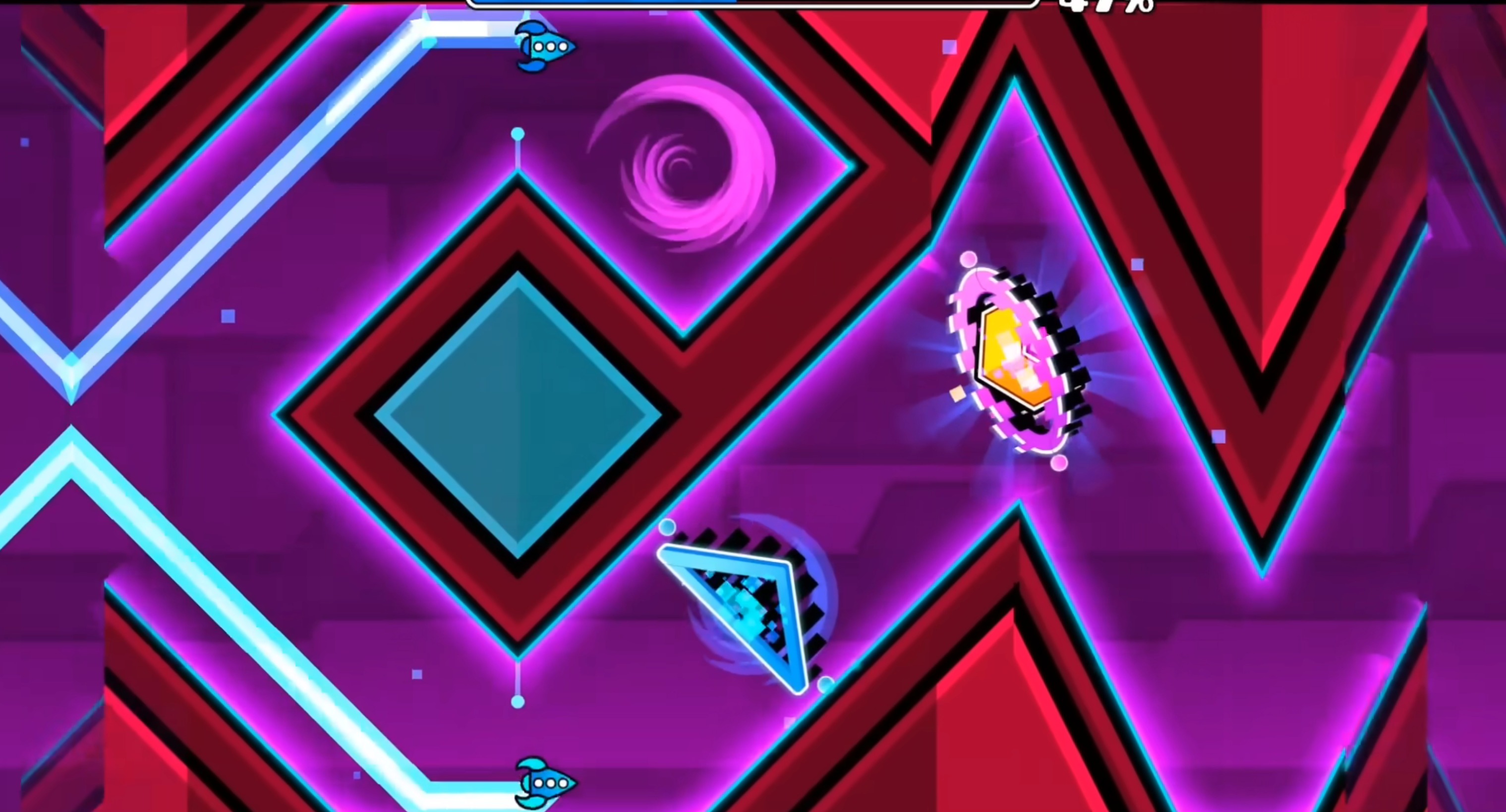
FamiDash is a rhythm platformer built to look and sound like an NES game. It’s a fan-made homage to Geometry Dash, which means it keeps the auto-scrolling, music-synced jump timing, and the “one mistake restarts the level” structure, but wraps it in 8-bit pixel art and chiptune audio.
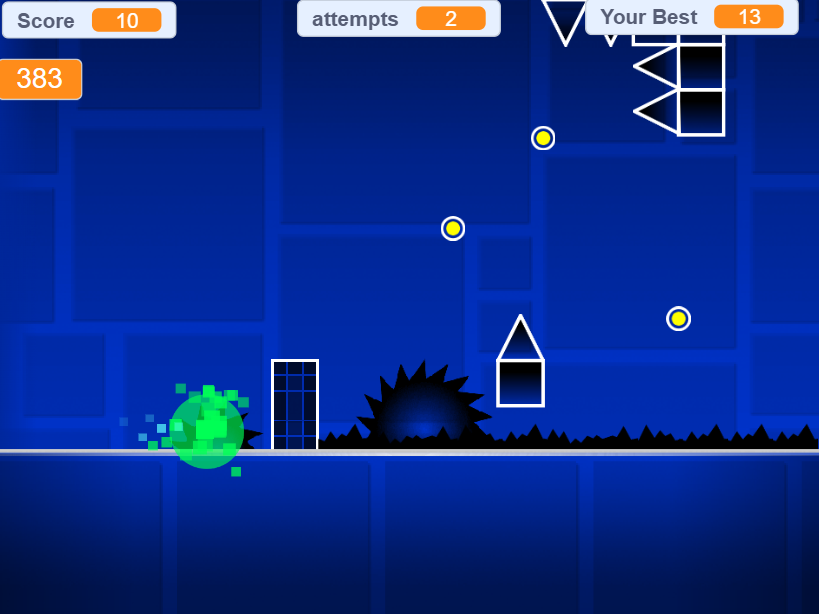
The game runs your character automatically from left to right. Your only input is jumping—press Z to hop, hold Z to fly in ship mode, release to drop. The music isn’t just background noise; it’s the timing grid. Obstacles line up with the beat, so if you internalize the rhythm, you’ll know when to jump before you see the spike.
How It Plays Differently Because of the NES Frame
The pixel-limited visuals mean obstacles can’t be as elaborate as they are in Geometry Dash. Everything is simplified—blocky shapes, clear silhouettes, and stark contrast between background and hazards. That clarity helps, but the tradeoff is that you get less visual warning about what’s coming. The rhythm becomes your primary cue instead of scanning ahead.
The chiptune soundtrack has a faster, more mechanical pulse than Geometry Dash’s EDM tracks. Some players find it easier to sync with; others find the repetitive loops harder to track over long attempts. Either way, the audio is doing more work here than in the original—if you mute FamiDash, the game becomes significantly harder to read.
Form switches happen less frequently than in Geometry Dash, but each form behaves slightly differently because of the NES physics engine. The cube jumps in fixed arcs, the ship has momentum-based lift, and the ball bounces with gravity flips. You need to relearn the timing window for each form, which means Practice mode isn’t optional—it’s where you figure out how each form actually responds.
Why It’s Intentionally This Hard
FamiDash’s difficulty isn’t a bug or poor balancing—it’s the core appeal. The game is designed for players who want a challenge that requires memorization, rhythm sense, and precision timing. Levels start manageable, then ramp up fast. By the midpoint, you’re dealing with tight spike patterns that demand frame-perfect inputs.
The “restart on failure” loop is borrowed directly from Geometry Dash, and it’s divisive. Some players find the repetition meditative—you’re drilling a sequence until muscle memory takes over. Others find it frustrating because a single late jump at the 80% mark sends you back to the beginning. There’s no checkpoint system in Normal mode, so every run is all or nothing.
Practice mode exists to soften this, but it’s not a separate difficulty setting—it’s a rehearsal tool. You can place checkpoints wherever you want, which lets you break a level into manageable chunks. Once you’ve practiced each section, you’re expected to string them together in Normal mode without safety nets. The satisfaction comes from finally nailing a clean run after dozens of failed attempts.
Who This Works For
FamiDash suits players who already enjoy rhythm-based platformers and don’t mind replaying the same segment twenty times to get the timing right. If you’ve played Geometry Dash and thought “I wish this had NES-style graphics,” this is exactly that. If you haven’t played Geometry Dash, expect a steep learning curve—the game doesn’t ease you in gently.
It’s less suited to players who prefer exploratory platformers or games with forgiving checkpoints. FamiDash has no exploration, no branching paths, and no mercy. You either clear the level or start over. That loop is satisfying for some and exhausting for others.
How to Play FamiDash
Basic Controls
The core mechanics are simple:
- Z key: Jump (press once for cube, hold for ship mode)
- X key: Secondary actions in specific modes
- Auto-scroll: Your character moves automatically—you only control jumping
Master Different Forms
As you progress, you’ll encounter different gameplay forms:
- Cube mode: Fixed jump arcs—timing is everything
- Ship mode: Hold Z to ascend, release to descend—momentum-based lift
- Ball mode: Gravity flips on each jump—bounces with reversed physics
Each form has unique timing windows. Practice mode lets you learn how each one responds before attempting full runs.
Use Practice Mode Effectively
Practice mode isn’t optional—it’s where you build muscle memory:
- Place checkpoints wherever you want to break levels into chunks
- Rehearse tight spike patterns until timing becomes automatic
- Once each section is mastered, string them together in Normal mode
Don’t skip this step. Memorizing the pattern is half the challenge, and you can’t memorize it if you keep restarting at 5%.
Read the Rhythm
The chiptune soundtrack is your timing grid:
- Obstacles align with the beat—internalize the rhythm to predict jumps
- Audio cues do more work here than visual scanning
- Muting the game makes it significantly harder to read
A Few Practical Notes
The game runs in a browser with no download. The rhythm is constant, so if you lose focus for a second, you’ll hit a spike. That makes it better for short bursts than long sessions.
For another browser challenge with a different rhythm, try a related platformer that adjusts the formula in a new direction.
Share your tips for FamiDash
Share a useful tip, a favourite route, or a correction that can help the next player.
Comments are not collected on this independent fan site.
To report a broken game frame or suggest a guide correction, email [email protected] with the page URL.