



Geometry Dash 3D
Navigate rhythm-synced 3D levels with a five-life system. Portal mechanics shift perspective mid-run. Strategic checkpoint management required—lives persist across attempts.
Category
Rhythm Platformer
Rating
4.4 / 5
Votes
1280
What to expect
A Geometry Dash 3D guide for reading3D depth, managing the five-lives system, handling portal transitions, and deciding when this variant is worth your time.
What Geometry Dash 3D Changes
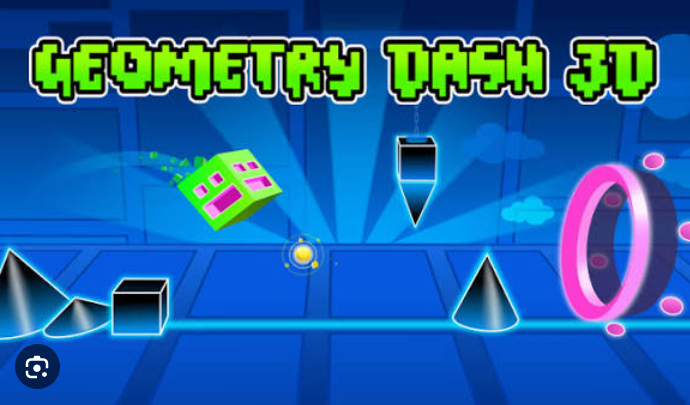
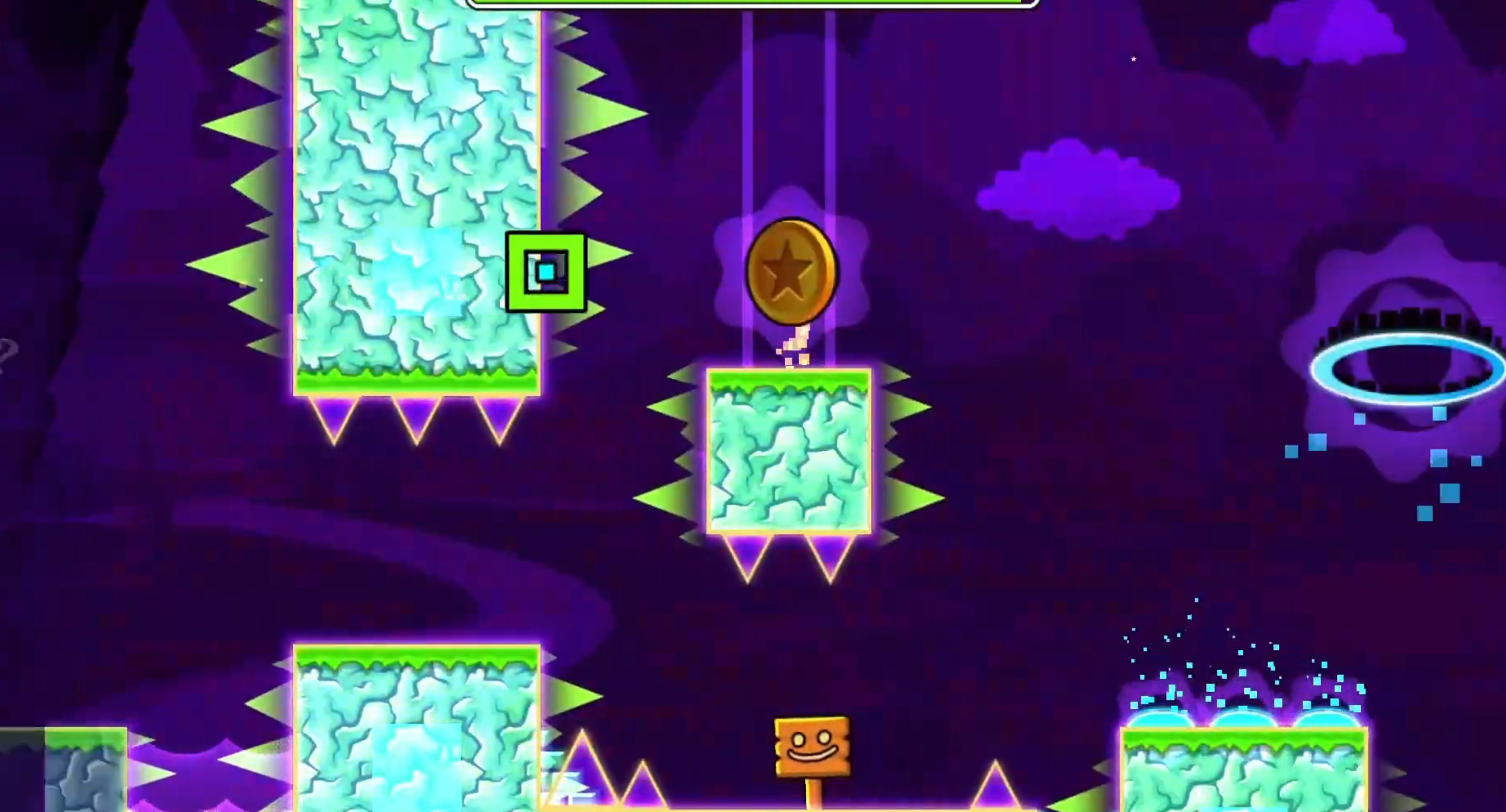
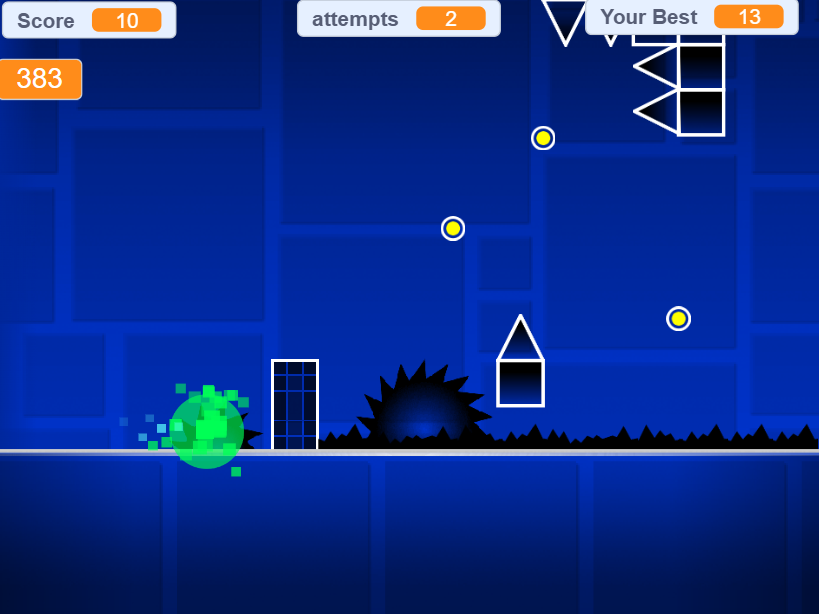
Geometry Dash 3D takes the auto-scrolling, rhythm-based jump timing from the2D original and adds a third dimension. Your cube still runs forward automatically, you still press spacebar to jump, and the music still tells you when obstacles are coming. The difference is that spikes and platforms now exist in 3D space, which means you’re judging depth in addition to timing.
This isn’t a full 3D remake where you control the camera or navigate open environments. It’s a 2.5D presentation—the path is fixed, but obstacles can come at you from angles that wouldn’t exist in the flat version. That extra layer of spatial awareness makes familiar patterns feel unfamiliar until you recalibrate your instincts.
The game also adds a five-lives system, which changes the risk calculation. In the 2D version, one mistake sends you back to the start. Here, you get five attempts per run, which sounds forgiving, but it actually introduces a new tension: should you spend a life testing an unfamiliar section, or save them for the harder final stretch?
How the Portal System Works Differently in 3D
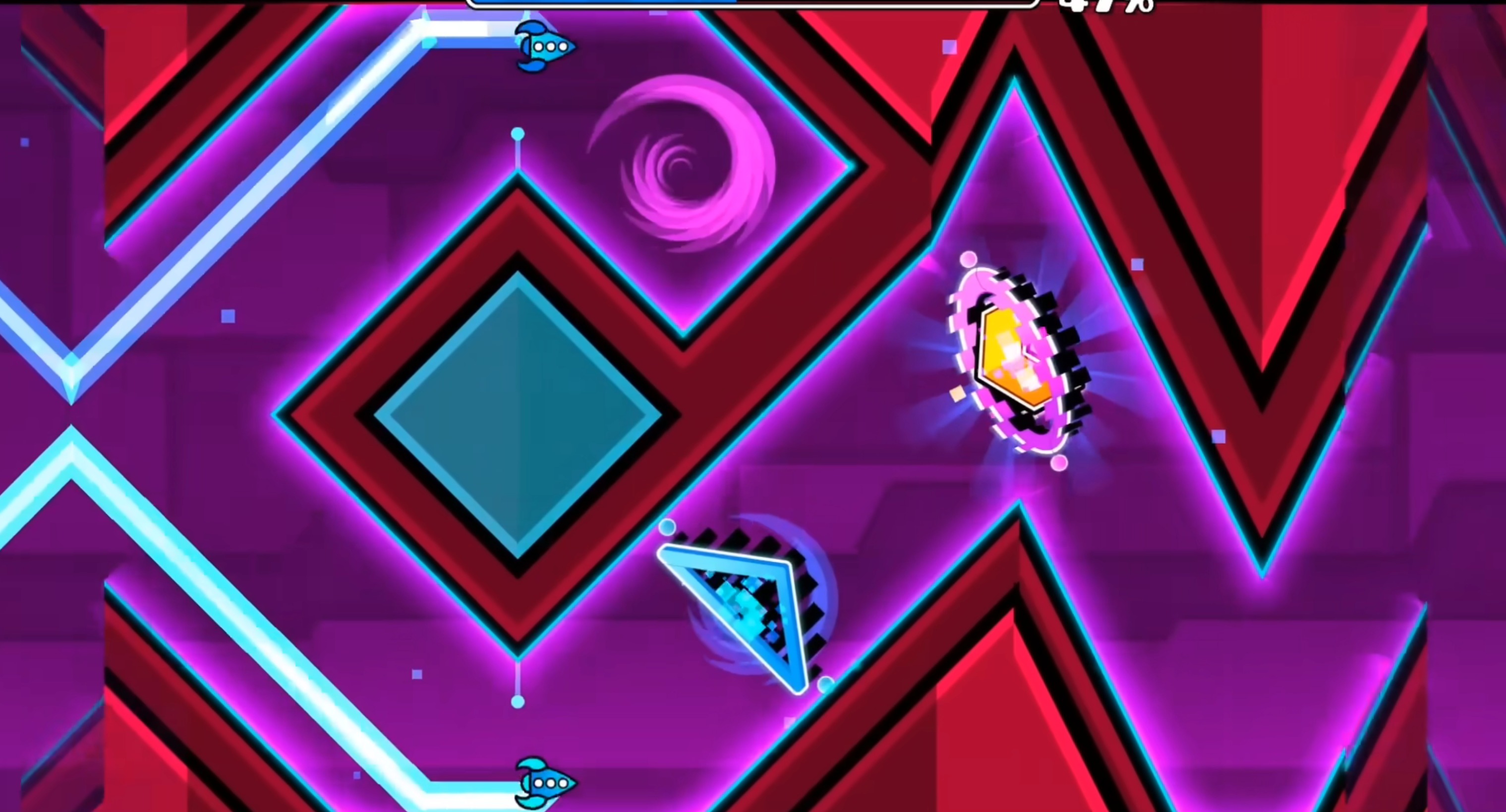
Portals still change your cube’s behavior mid-level—gravity flips, size shifts, speed adjustments—but the 3D environment makes these transitions harder to track. In 2D, a gravity portal flips the screen and your brain adjusts instantly because the visual change is obvious. In 3D, the flip can disorient you because you’re also tracking depth, and the portal might rotate your perspective in ways that feel less predictable.
Size-changing portals have a similar issue. When your cube shrinks, the 3D camera doesn’t always zoom in proportionally, so you lose some sense of scale. Small obstacles that were easy to clear at normal size become ambiguous—you can’t tell if you’re close enough to hit them or if the depth perception is throwing you off.
The practical outcome is that you need to memorize not just the rhythm of each section, but also the spatial layout around portal zones. The first few attempts will feel chaotic because you’re relearning what “safe distance” means in 3D. Once you internalize the camera angles and depth cues, the portals become manageable, but that initial learning curve is steper than the 2D equivalent.
What the Five-Lives System Actually Does
The five-lives mechanic doesn’t make the game easier—it changes where the difficulty sits. Instead of perfecting a single run from start to finish, you’re now managing a resource. Do you burn a life experimenting with a tricky jump pattern, or do you play conservatively and hope you figure it out through observation?
This system rewards cautious aggression. Players who blast through levels without adjusting their strategy will burn all five lives in the first third and gain nothing. Players who use early sections to test hypotheses—“Can I clear this gap with a short tap or do I need a full jump?”—arrive at the hard parts with lives still banked and useful information already gathered.
The downside is that five lives can create a false sense of security. If you blow through three lives on the same mistake, you haven’t learned anything except that your current approach doesn’t work. The game doesn’t tell you what went wrong, so you need to actively diagnose the problem—was it bad timing, wrong jump height, misjudged depth?—before your next attempt.
How to Play Geometry Dash 3D
Choose Your Level
- Start with beginner-friendly stages like Stereo Madness and Back on Track
- Challenge yourself with advanced levels like Polargeist that demand lightning-fast reflexes
- Each level offers unique obstacles and musical rhythms to master
Master the Jump
- Use Spacebar to jump—tap for short hops, hold longer to fly upward
- Timing is everything: synchronize your jumps with the beat
- Navigate through spikes, trampolines, and portals successfully
Beat Hazards
- Avoid spikes, trampolines, and variousaps scattered across the track
- You have five lives per attempt—too many mistakes will end your run
- Watch for portals that change your cube’s size or gravity
Who This Variant Suits
Geometry Dash 3D works best for players who’ve already mastered the 2D version and want a new challenge that doesn’t introduce complicated mechanics. The core loop—jump in sync with the music, memorize patterns, retry until you succeed—is identical. The 3D layer adds complexity without fundamentally changing what you’re doing, which means it’s a lateral move rather than a step up.
It’s less suited to newcomers who haven’t played Geometry Dash before. The 3D depth perception issues make it harder to learn the basics, and the five-lives system can mask problems instead of clarifying them. If you’re new to this style of game, the 2D version teaches the fundamentals more cleanly.
The game runs in a browser with no download, and levels range from beginner-friendly (Stereo Madness) to reaction-testhard (Polargeist). If you’re looking for something between “too easy” and “unplayable,” the middle-tier levels hit that sweet spot where you’re challenged but not stuck.
For another browser rhythm challenge with a different structural twist, try a fan-made variant that adjusts the formula in a distinct direction.
Share your tips for Geometry Dash 3D
Share a useful tip, a favourite route, or a correction that can help the next player.
Comments are not collected on this independent fan site.
To report a broken game frame or suggest a guide correction, email [email protected] with the page URL.